

Subscribe to our Newsletter
SHARE THIS BLOG
How to Create a Multi-Vendor Marketplace on Shopify
If you want to build the next Etsy, a consignment platform, or a niche marketplace where multiple sellers list under one roof, Shopify is a solid starting point. It handles payments, checkout, and hosting out of the box. What it does not do natively is let multiple vendors log in, manage their own products, and get paid their share automatically.
That's the gap this guide fills. Below is exactly what you need to set up, in what order, to turn a standard Shopify store into a working multi-vendor marketplace.
What Is a Shopify Multi-Vendor Marketplace?
A multi-vendor marketplace is a store where multiple independent sellers list and sell products through a single storefront. The marketplace operator earns a commission on every sale. Vendors handle their own inventory, pricing, and product descriptions. The operator handles the platform, customer experience, and payouts.
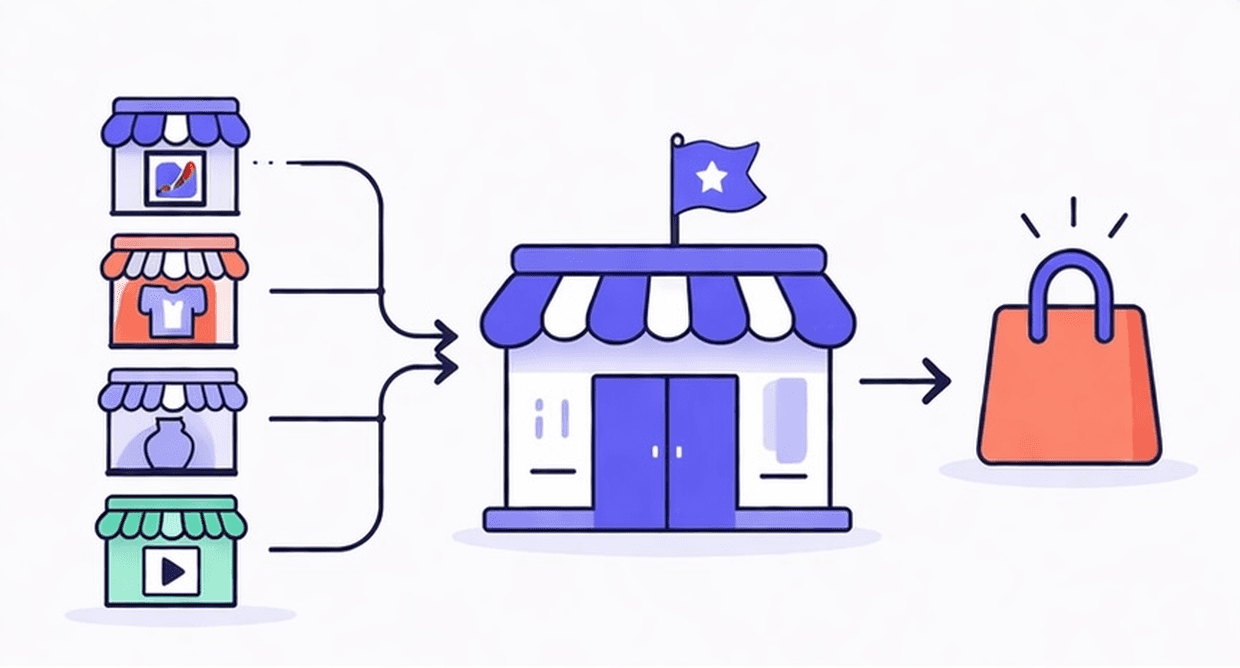
Common formats include:
Curated marketplaces — invite-only vendor selection, strong brand consistency (common in art, fashion, design)
Open marketplaces — any approved seller can list (closer to Etsy or eBay model)
Consignment stores — physical or online, where the store takes goods on behalf of vendors and earns a cut on sale
Print-on-demand or digital goods platforms — vendors upload files, orders are fulfilled automatically
The mechanics are similar across all of them: you need vendor accounts, product management by vendor, order splitting, commission tracking, and payouts.
What Shopify Supports Natively (and What It Does Not)
Shopify is built for single-merchant stores. Out of the box, you get:
A powerful checkout and payment processor
Inventory management
A product catalog
Staff accounts with role-based access
What Shopify does not include natively:
Vendor-specific logins with isolated product views
Per-vendor commission rules
Automatic order splitting by vendor
Vendor payout automation (Stripe, PayPal, bank transfer)
Vendor earnings dashboards
All of that requires a multi-vendor marketplace app. You are not building from scratch. You are layering the right app on top of Shopify's infrastructure.
The short answer: Shopify gives you the store. A marketplace app like PuppetVendors gives you everything that makes it a marketplace.
What You Need Before You Start
Before installing any app, nail down the following:
Your commission structure. Will you charge a flat percentage per sale? A monthly vendor fee? A hybrid? This shapes how you configure the app and how you pitch to vendors.
How vendors will submit products. Will you import products on their behalf, or will vendors self-serve through a portal?
Your payout cadence. Weekly? Monthly? On demand? Vendors will ask. Have an answer before onboarding your first seller.
Your vendor agreement. What are the terms? Who owns the product photography? What happens when an item does not sell?
These are not technical questions. But not having answers to them will stall your launch faster than any tech issue.
Step 1: Choose the Right Marketplace App
There are several multi-vendor apps in the Shopify App Store and they are not interchangeable. The right one depends on what kind of marketplace you are building. Before you install anything, run each candidate through this checklist:
Commission structures supported. Flat rate is table stakes. You also want per-vendor, per-category, and tiered options if you expect your model to evolve.
White-label vendor portal. Will vendors see your branding, or the app's? A branded portal signals professionalism and helps vendors trust the platform.
Self-serve vendor product management. Vendors should be able to add, edit, and manage their own listings without going through your team.
Automated payouts. Look for Stripe Connect support at minimum. Manual payouts break at around 10 vendors.
Order splitting. When a customer buys from two vendors in one order, the app should split the order automatically and route the right line items to the right sellers.
Active maintenance. Check review recency, not just the overall star rating. A 4.9 rating from 2022 is not the same as a 4.7 rating from last month.
Fit for your specific model. A curated art gallery has different needs than a high-volume physical goods marketplace or a booking platform. Pick an app built for your use case, not a generalist.
For consignment stores, curated marketplaces, art galleries, digital goods, and print-on-demand models, PuppetVendors is built specifically for those models. Everything above (commission flexibility, white-label vendor portal, Stripe Connect payouts, automated order splitting) is included out of the box. If you are running a consignment store specifically, we go deep on that use case in How to Start a Consignment Store on Shopify.
If your marketplace has requirements outside those models (for example, a booking-based platform, an auction site, or a hub that needs to sync inventory across Etsy, WooCommerce, or PrestaShop at the same time as Shopify), those are specialized needs and you should evaluate apps designed for that specific shape.
Step 2: Define Your Vendor Structure
Once you have the app installed, the first thing to configure is how vendor accounts work. If you want a quick primer on the mechanics of adding vendors to a Shopify store before diving into permissions, How to Add Multiple Vendors to Your Shopify Store covers the basics.
Specifically:
Vendor onboarding flow. Will vendors self-register via a form, or will you manually create accounts? Self-registration works well for open marketplaces. For curated platforms, manual approval is worth the extra friction.
What vendors can see and do. Can they see other vendors' sales? Can they edit published products, or only draft listings? Can they see customer details?
Product approval workflow. Do vendor-submitted products go live automatically, or do they need your review first? For quality control, requiring approval is almost always worth it early on.
Set these permissions up before you invite your first vendor. Changing them after is possible but creates confusion for sellers who have already onboarded.
Step 3: Configure Commission Rules
Commission rules are where most marketplace operators spend the most time early on, and where most apps fall short. If you are not sure what percentage to charge, start with industry benchmarks. We broke these down by category in Consignment Commission Rates by Industry, and most of those benchmarks translate directly to marketplace models too.

The basic options:
Flat percentage per sale. Example: you take 20% of every order. Simple, easy to explain to vendors.
Per-category commissions. Example: 15% on clothing, 25% on accessories. More complex to manage but useful if your margin varies by product type.
Tiered commissions. Example: 20% up to $1,000/month in sales, 15% above that. Good for incentivizing high-volume vendors.
Fixed vendor fee plus a lower commission. Example: $50/month per vendor slot, plus 10% per sale. Works well for curated platforms with limited vendor spots.
A few things to get right before your first sale:
Decide whether commission is calculated on the subtotal or the full order total (including shipping). Most operators exclude shipping from the commission base.
Clarify what happens with returns and refunds. Does the commission get reversed? At what point?
Make sure your commission settings are saved before orders start coming in. Retroactively calculating commissions manually is painful.
Step 4: Launch Your Vendor Portal
A vendor portal is the dashboard where your sellers log in to manage their products, view their orders, and track their earnings. It is separate from your Shopify admin.

What a good vendor portal needs:
Product management (add, edit, remove listings)
Order management (view and fulfill orders assigned to them)
Earnings dashboard (how much they've earned, what's pending payout)
Payout history
Basic analytics (sales by product, return rate)
A white-label portal, one that shows your store's branding rather than the app's, makes a significant difference in vendor experience. It signals professionalism and helps vendors trust the platform they are selling through.
Before you onboard vendors, do a test run yourself. Create a test vendor account and walk through the full flow: log in, add a product, fulfill a test order, check the earnings dashboard. Identify anything confusing before your real vendors hit it.
Step 5: Automate Vendor Payouts
Manually calculating and sending vendor payments is the fastest way to burn out as a marketplace operator. Even at 5-10 vendors, it becomes a spreadsheet nightmare. At 20+ vendors, it becomes a full-time job. We walk through the full automation setup in How to Automate Consignor Payouts on Shopify, and the same principles apply to any marketplace structure.
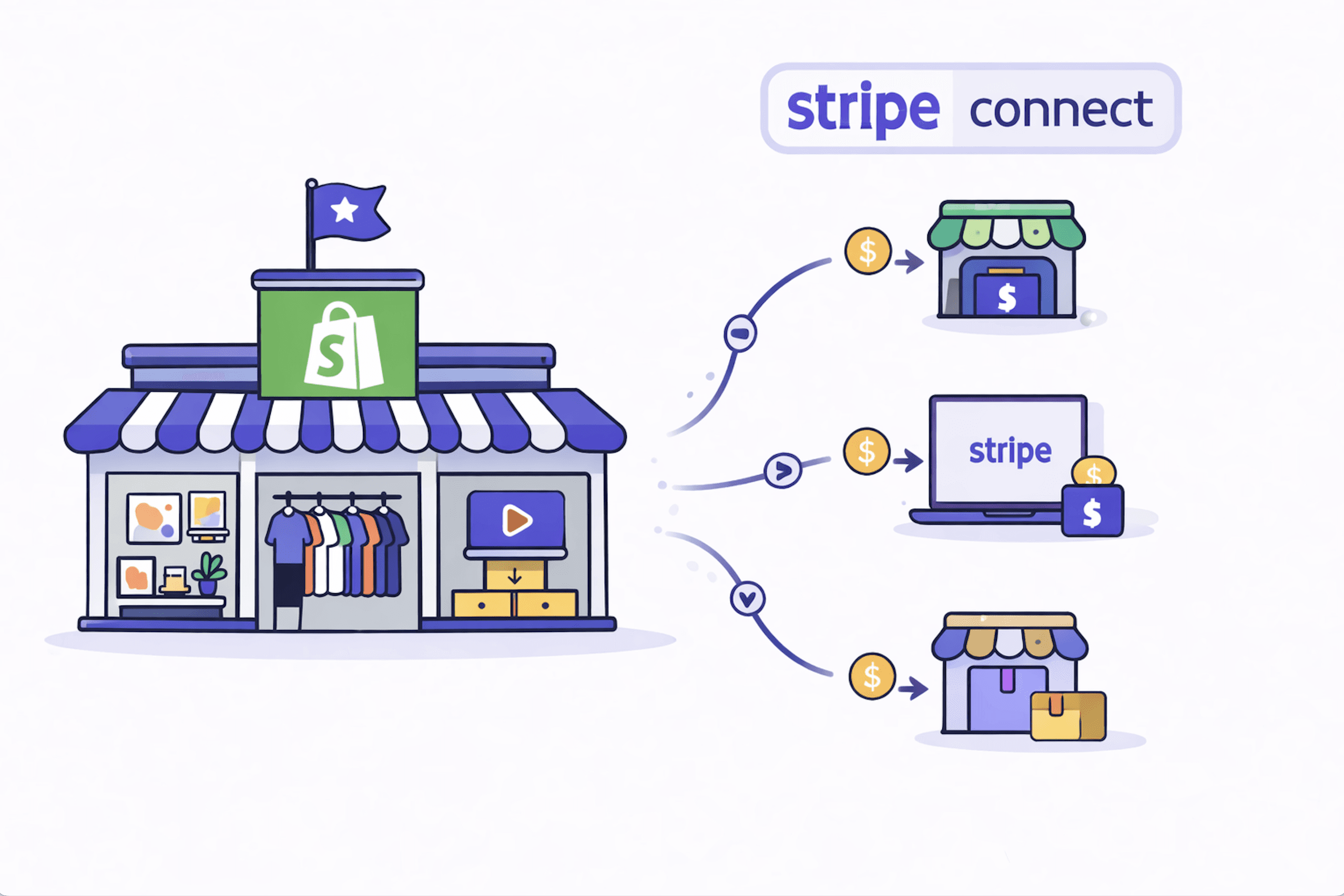
Automated payout options:
Stripe Connect. The most commonly used option for Shopify marketplaces. Vendors create or connect a Stripe account. Payouts happen automatically on your schedule. Requires onboarding each vendor to Stripe, which adds a step but makes reconciliation clean.
PayPal Payouts. Simpler for vendors who already have PayPal. Less robust for reconciliation. Good fallback if a vendor cannot use Stripe.
Manual bank transfer. Works for small vendor counts. Does not scale.
What to configure in your payout setup:
Payout frequency (weekly, biweekly, monthly, or on-demand withdrawals by vendor)
Minimum payout threshold (e.g., only process payouts above $50 to reduce transaction costs)
Hold period for returns (e.g., hold commission for 7 days post-sale before releasing to vendor)
Currency handling (especially if you have vendors in multiple countries)
Sort out payout automation before you have live sales. Walking back manual payouts is miserable, and vendors will notice the inconsistency.
What to Expect in Your First 30 Days
The technical setup typically takes one to two weeks. Configuring the app, building out the vendor portal, running test orders, and onboarding your first vendor. What takes longer is the operational side: writing vendor guidelines, handling the edge cases your commission rules did not anticipate, and iterating on the product approval process.

A realistic first-30-days checklist:
Install and configure your marketplace app
Set up commission rules and test with a dummy order
Onboard 2-3 test vendors and gather their feedback on the portal
Connect payout automation and run a test payout
Publish your first live vendor listings
Set up vendor guidelines documentation (what is allowed, image specs, shipping expectations)
Define your vendor support process (who vendors contact when something goes wrong)
Most operators take 3-4 weeks from app install to first live sale. If you have vendors lined up already, the timeline compresses. If you are still recruiting vendors while setting up, budget 6-8 weeks to first sale.
Common Mistakes to Avoid
Launching without a vendor agreement. When a vendor dispute happens (and it will), you need clear terms to point to. Write a simple vendor agreement before you onboard anyone.
Not testing payouts before going live. Every payout setup has edge cases. Returns, partial refunds, orders with items from multiple vendors. Run several test scenarios before live orders come in.
Over-building before validating. You do not need 50 features at launch. You need vendor accounts, product listings, order routing, and payouts. Get those working cleanly, then layer on analytics, vendor scorecards, and smart alerts.
Underestimating vendor support volume. Vendors have questions. A lot of them, especially early. Build a lightweight internal knowledge base for your most common vendor FAQs before you scale beyond 10 sellers.
Frequently Asked Questions
Can Shopify support a multi-vendor marketplace natively?
No. Shopify is designed for single-merchant stores. You need a multi-vendor marketplace app to add vendor accounts, commission tracking, and payout automation. The app sits on top of Shopify's infrastructure.
How much does it cost to run a Shopify multi-vendor marketplace?
The main cost is the marketplace app, which ranges from $49 to $599/month depending on features and vendor count. You will also have Shopify's plan fees ($39-$299/month for most operators). Payment processing fees apply as they would on any Shopify store. Stripe Connect adds a small per-payout fee for automated vendor payments.
How many vendors can a Shopify marketplace support?
There is no hard technical limit. The practical limit is your ability to support vendors operationally. Most operators run 10-50 active vendors comfortably on a single admin. Scaling beyond that requires good vendor documentation, automated onboarding, and a dedicated point of contact for vendor issues.
Do vendors need their own Shopify account?
No. Vendors log into your marketplace's vendor portal, not Shopify's admin. They do not need to own or pay for a Shopify subscription. You manage the Shopify side. They manage their listings through the portal the marketplace app provides.
What is the best Shopify app for multi-vendor marketplaces?
It depends on your model. For consignment stores, curated marketplaces, art galleries, digital goods, and print-on-demand platforms, PuppetVendors is built specifically for those use cases and includes commission flexibility, white-label vendor portals, and automated Stripe payouts out of the box. If your marketplace has specialized requirements (booking, auction, or multi-platform sync beyond Shopify), those are separate categories and need apps built for that specific model. The most important thing is to match the app to your actual use case, not to pick whatever has the most features.
Can vendors fulfill their own orders?
Yes, if your marketplace app supports it. Vendors can be assigned fulfillment responsibility for their products, with the marketplace app routing the relevant order line items to their dashboard. This works well for physical goods where vendors ship from their own location. For digital goods, fulfillment can be fully automated.